You haven't signed in yet, you can have a better experience after signing in
*Please complete the payment within {{receiveCouponInfo.expire_at}}Previous use*
You haven't signed in yet, you can have a better experience after signing in




Activity Rules
1、Activity time:{{ info.groupon.start_at }} ~ {{ info.groupon.end_at }}。
1、Activity time:cease when sold out。
2、Validity period of the Group Buying:{{ info.groupon.expire_days * 24 }} hours。
3、Number of Group Buying:{{ info.groupon.need_count }}x。
Please Pay Attention
1、Teamwork process: Join/initiate a Group Buying and make a successful payment - Within the validity period, the number of team members meets the activity requirements - Group Buying succeeded!
2、If the number of participants cannot be met within the valid period, the group will fail, and the paid amount will be refunded in the original way.
3、The number of people required and the time of the event may vary among different products. Please pay attention to the rules of the event.

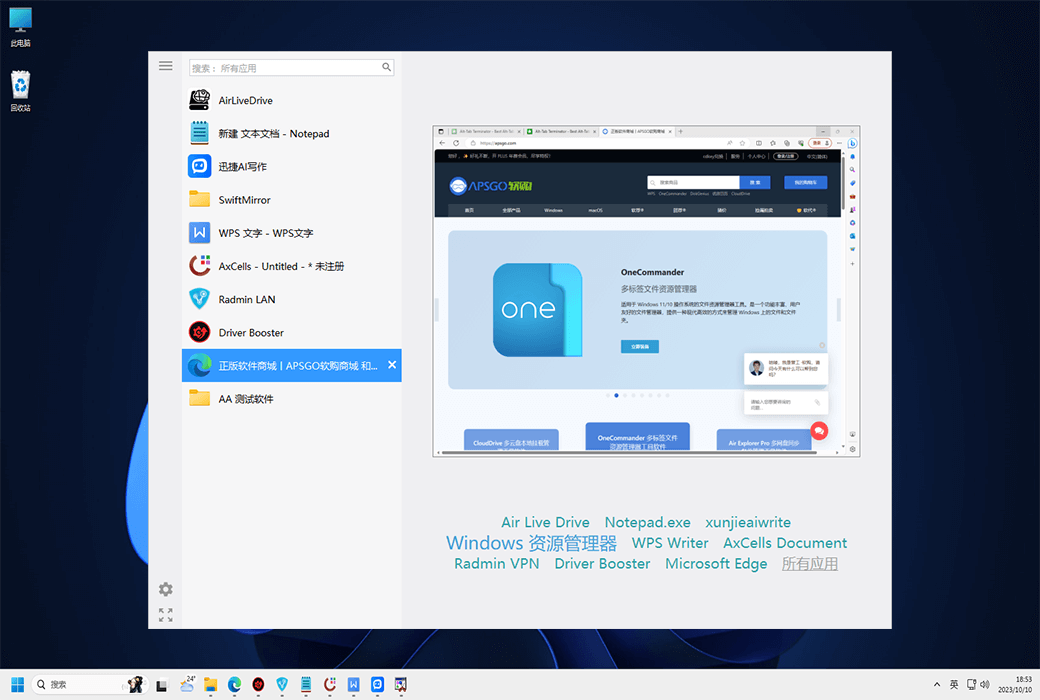
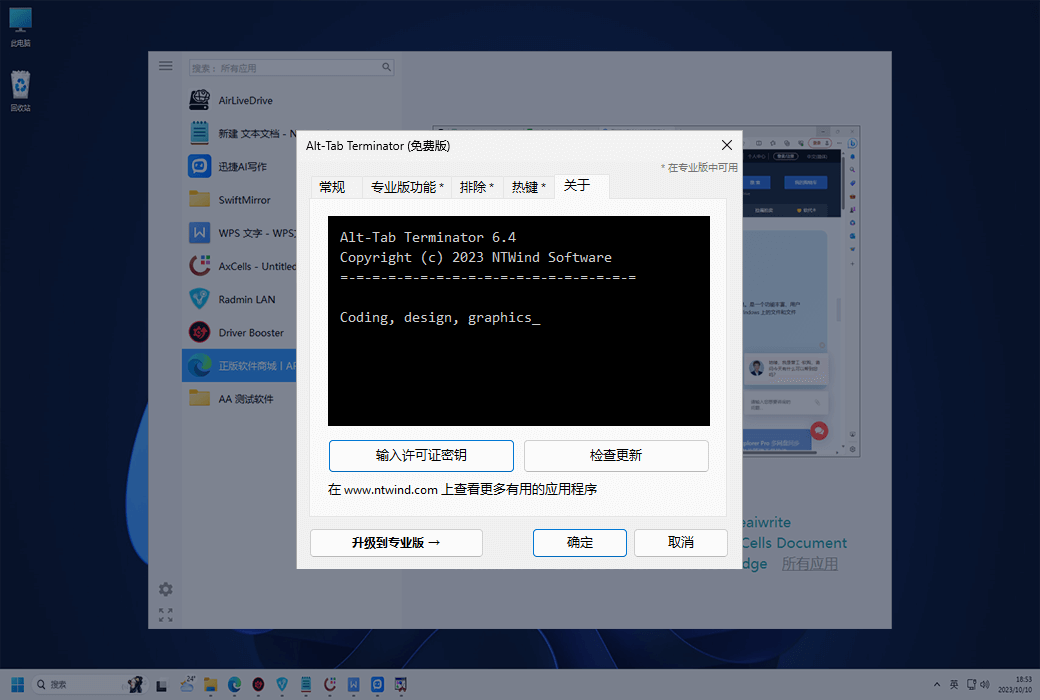
Alt Tab Terminator is an elegant and powerful Windows task management tool. After installation, it will replace the system's default Alt Tab dialog box with a more professional window that displays a list of all running tasks, including their names and preview snapshots, and enable users to search for the list and navigate using the mouse and keyboard.
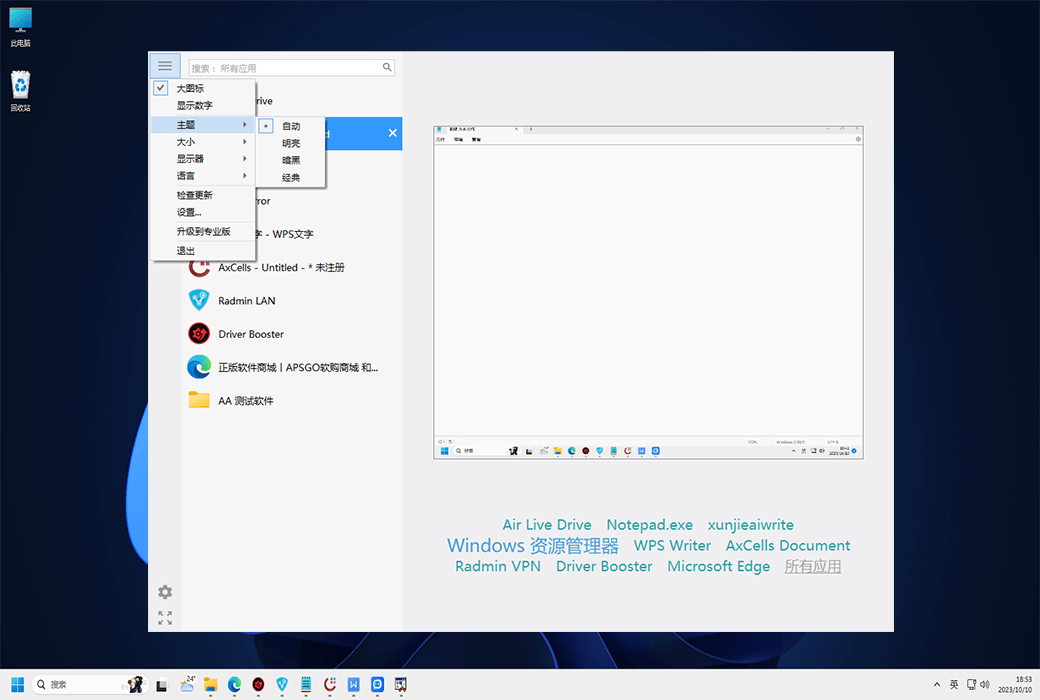
Following the Windows 11 UI guide, the Alt Tab terminator seamlessly integrates into the Windows shell and automatically switches between light, dark, and high contrast themes.
The main advantage of the Alt-Tab terminator is its new switching window. Unlike the standard Alt Tab, it displays a real-time desktop preview of the selected application and an easy to read list of related tasks, with a title icon, so you can immediately find the desired task at a glance.
Search by Title
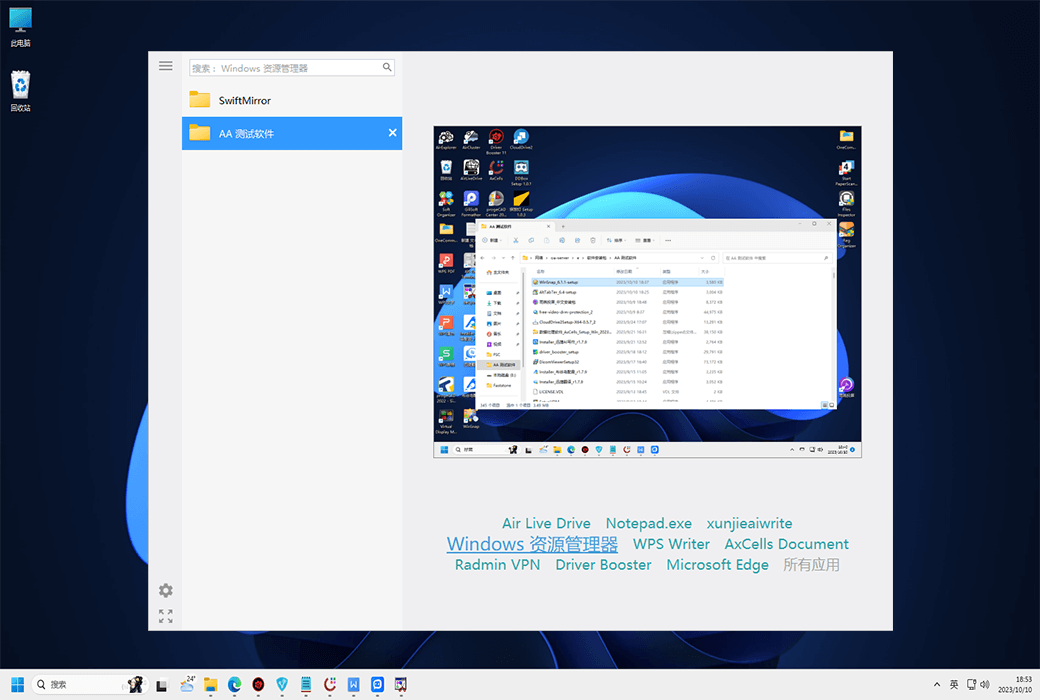
After opening the Alt Tab finalizer, simply start typing to quickly filter the windows in the task list by title or application name. Finding the right window has never been so easy!
Real-time Preview
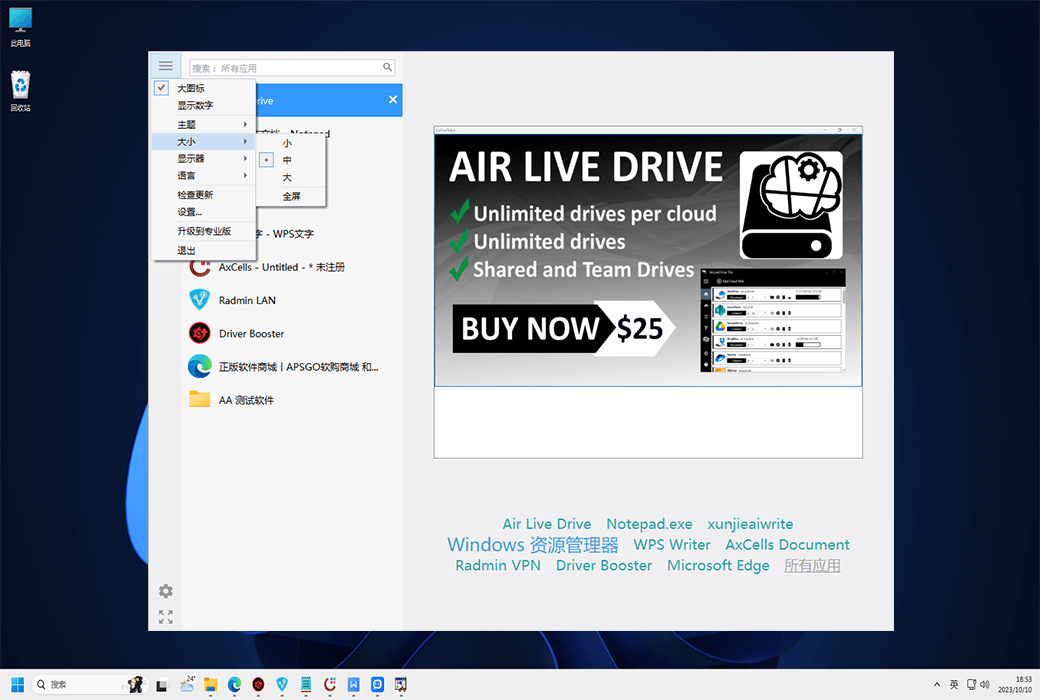
Visualization is the key point. The Alt Tab finalizer displays the exact real-time desktop preview of the application to switch to, even if it has multiple sub windows.
Application Cloud Label
Click on the application name below the preview to filter the window for the selected application. Press Alt+'(backquote - key above tab) to switch between the windows of the active application.
Clear large labels
Multiple window titles arranged in a vertical task list; They each placed a large icon. Finding the right window becomes faster.
Mouse and keyboard shortcuts
Use the keyboard (Tab, arrow keys, homepage, end, etc.) or mouse to browse the task list - simply place the mouse pointer on the task or use the mouse scroll wheel.
Full screen mode
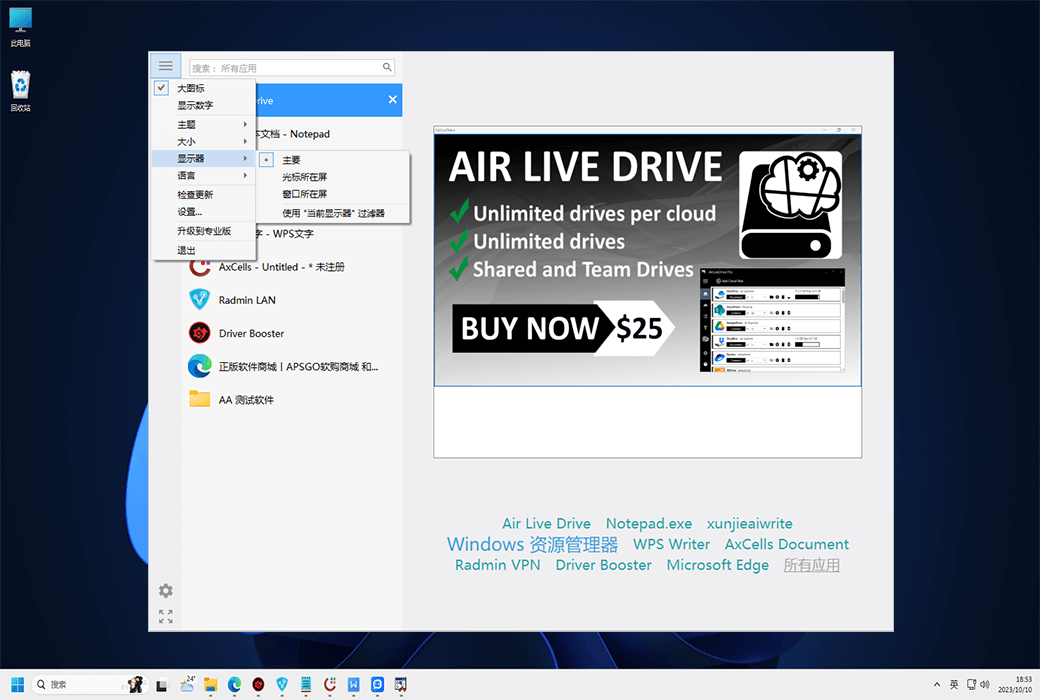
Press F11 or click the "Full Screen" button in the bottom left corner to maximize the switching window to the entire screen.
Quick and Easy Customization
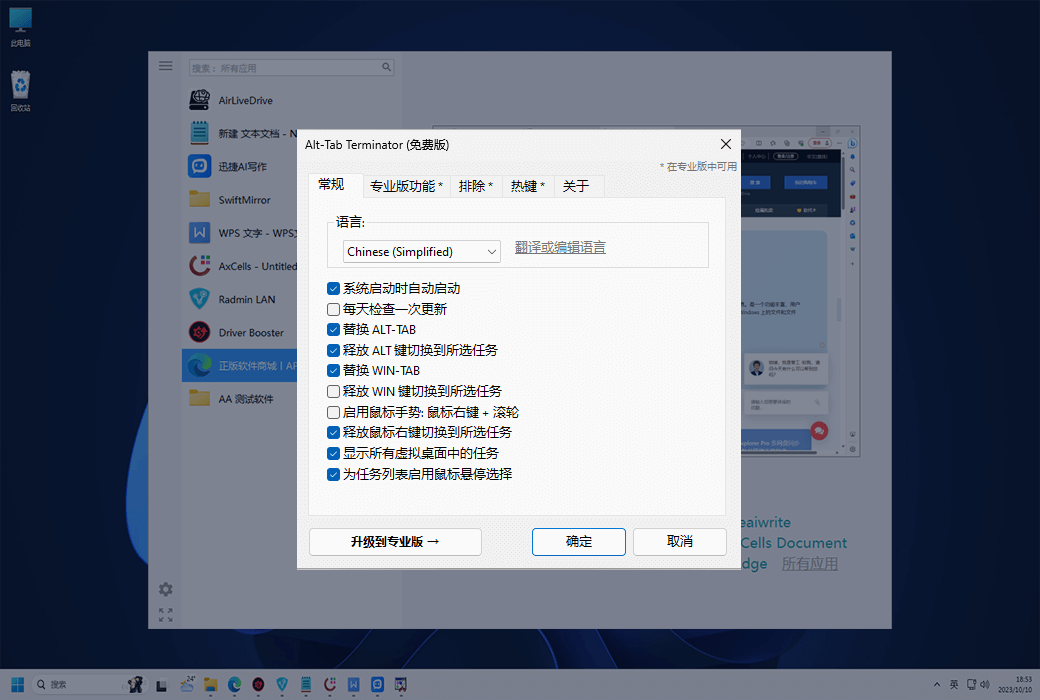
Press the menu button in the upper left corner of the Alt Tab terminator to access the program menu and settings.
Window management
With the Alt Tab terminator, you have full control over the open window - you can close, minimize, maximize, restore the main window, run a new copy, or terminate the application.
Each operation has a keyboard shortcut. For example, pressing F4 will close the selected window, similar to the default Alt+F4 shortcut - easy to remember and use!
Support for UAC and elevated applications: The Alt Tab finalizer is suitable for 32-bit and 64-bit applications, even if you run them with administrative privileges. It can also work perfectly with modern Windows Store applications and high DPI screens.
Free and Professional
The basic version of the Alt-Tab terminator is now completely free. This means you can enjoy all the basic functions without any nagging screens, advertisements, or annoying pop-up windows. This is particularly beneficial for users who are just starting to use the Alt Tab finalizer.
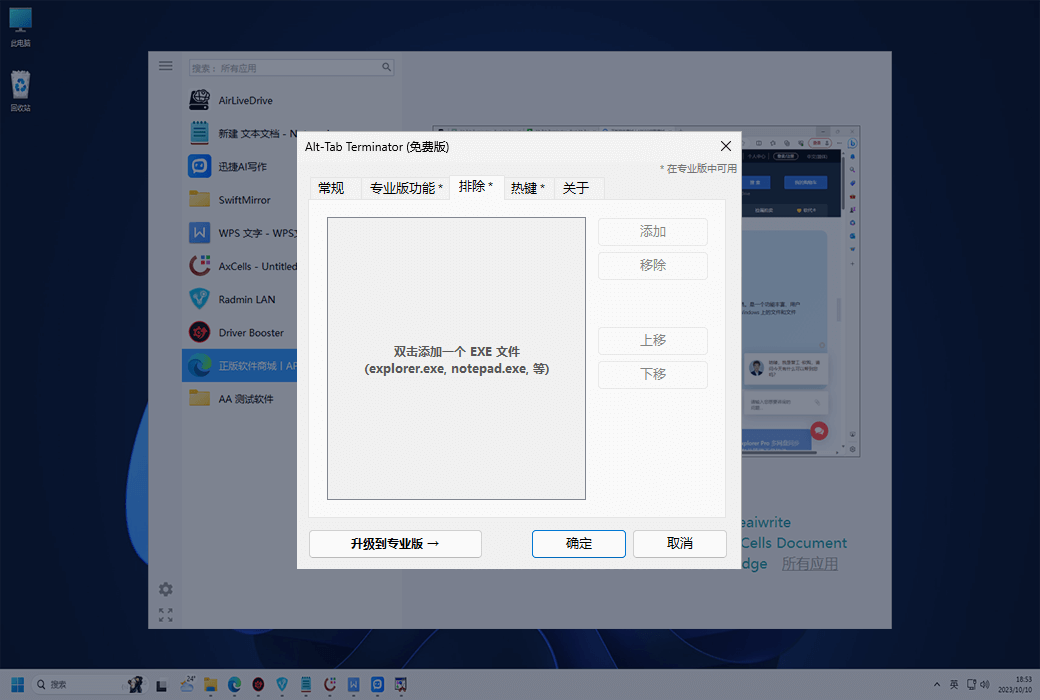
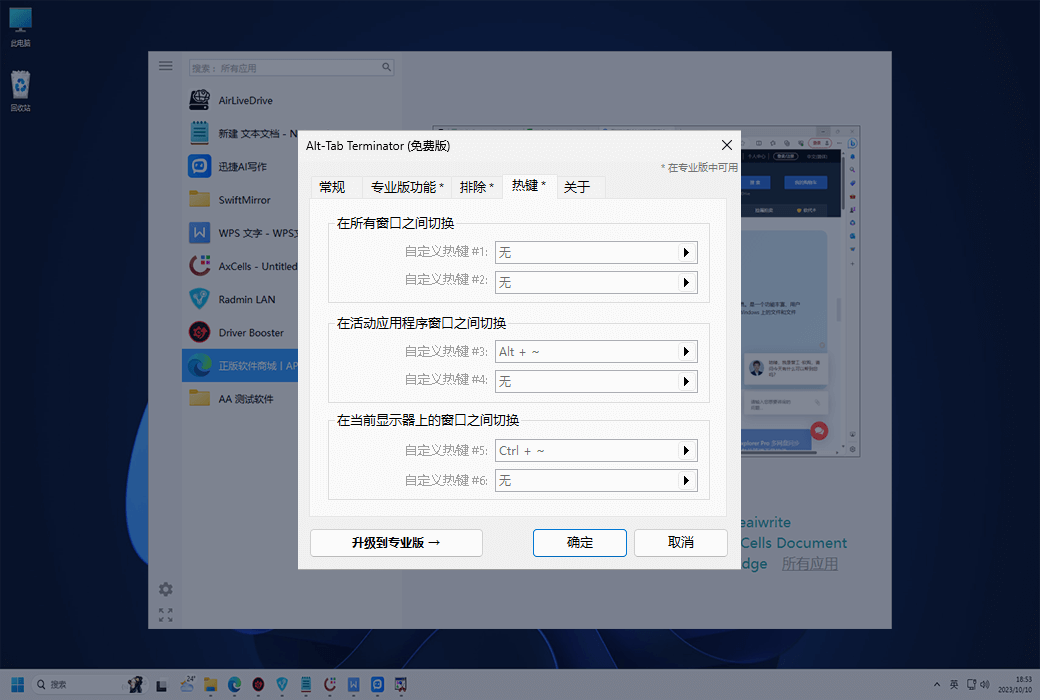
The PRO version provides a series of features that can improve your daily workflow, including multi display support, exclusion options, custom hotkeys, and UI customization, making it an ideal choice for advanced users.
Official Website:https://www.ntwind.com/software/alttabter.html
Download Center:https://alt-tab-terminator.apsgo.cn
Delivery Time: processed manually online
Operating Platform: Windows
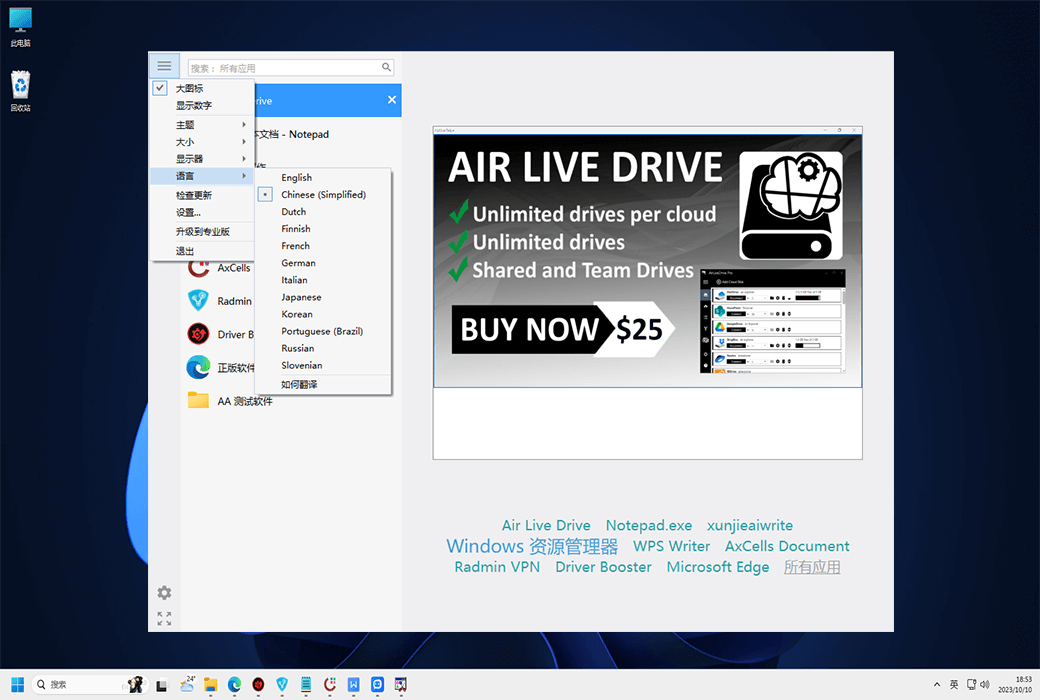
Interface Language: supports Chinese interface display, with multiple languages available.
Update Instructions: the manufacturer promises lifetime updates and upgrades for one-time purchase.
Trial Before Purchase: free trial available before purchase.
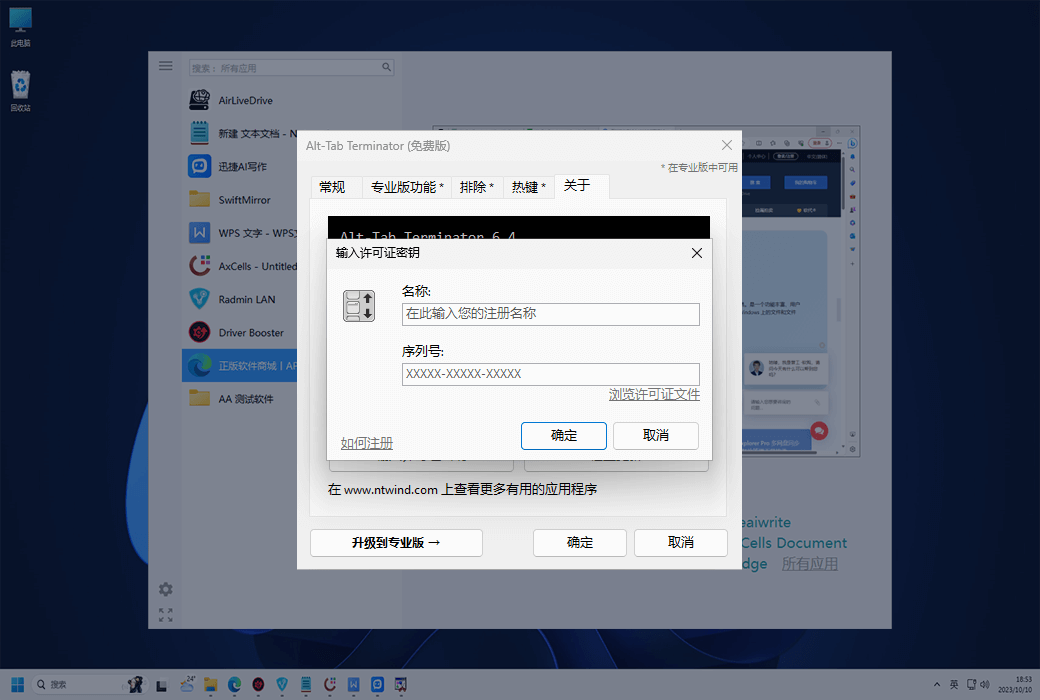
How to Receive the Product: after purchase, activation information will be sent to the email used for ordering, and the corresponding product activation code can be viewed in the personal center, under "My Orders".
Number of Devices: can be installed on 1/3 computers, depending on the purchased license.
Changing Computers: uninstall on the original computer and activate on the new computer.
Activation Guide: to be added.
Special Instructions: to be added.
References:https://www.ntwind.com/software/alttabter/register.html

Any question